Everyone sees exactly what they need. Nothing more
You stay in control of who has access to what. Project leads see the full picture. Team members get a clean personal view of their own work.










Share the right things with the right people
When you invite someone, they have no access until they accept. Once they do, you decide what they can see and change.
Secure invitations
Send an invite by email. Nothing is shared until the person accepts. You can cancel or resend any invitation at any time.
Invite anyone by email. They only get access once they accept.
Access levels
Choose what each person can do with a five-level role model: owner, admin, manager, editor, viewer. Owners and admins get automatic access to every project in the workspace, so they never need adding project by project.
Set access levels from view-only up to full project admin, using a five-level role model: owner, admin, manager, editor, viewer.
Personal view for team members
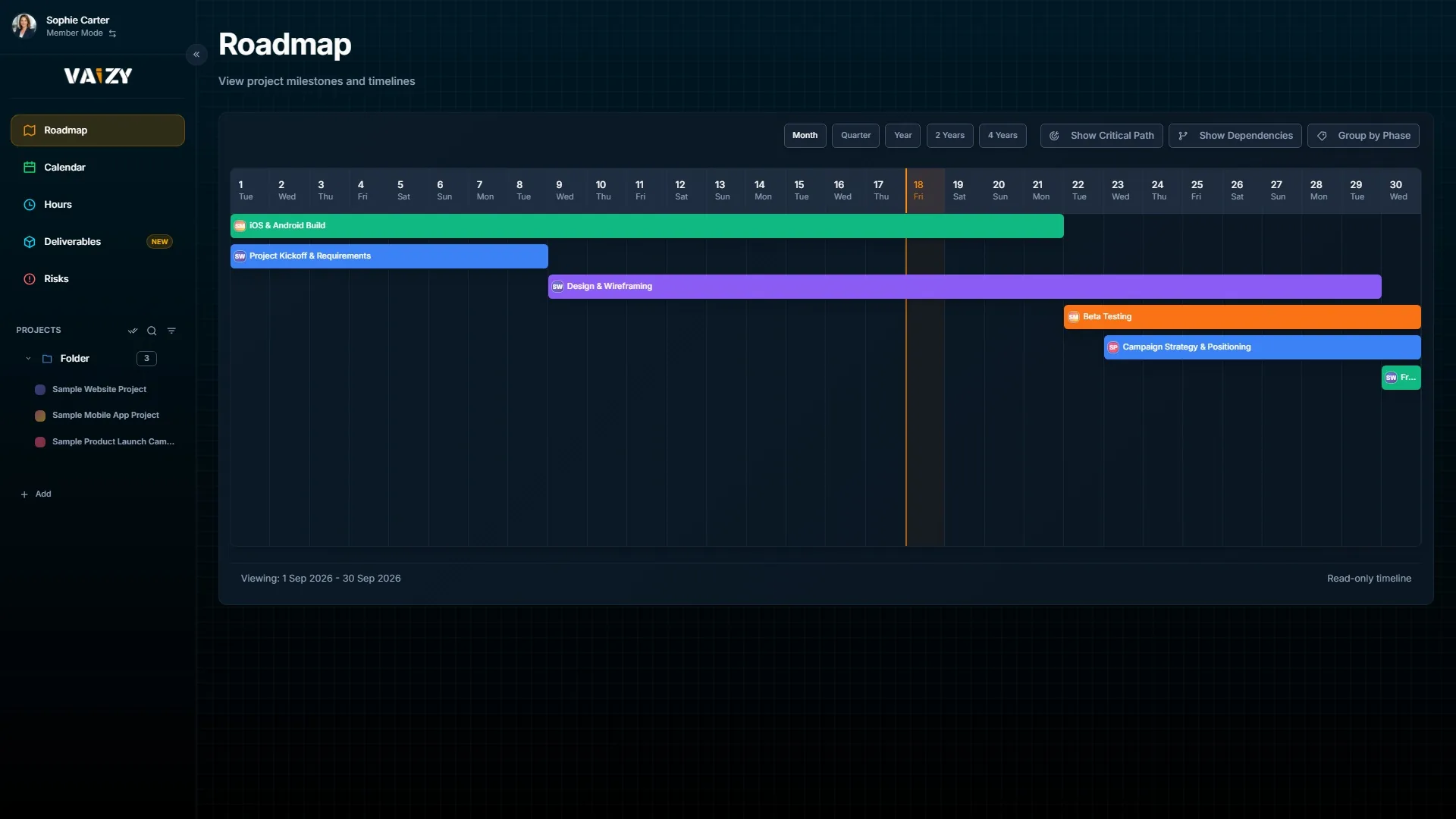
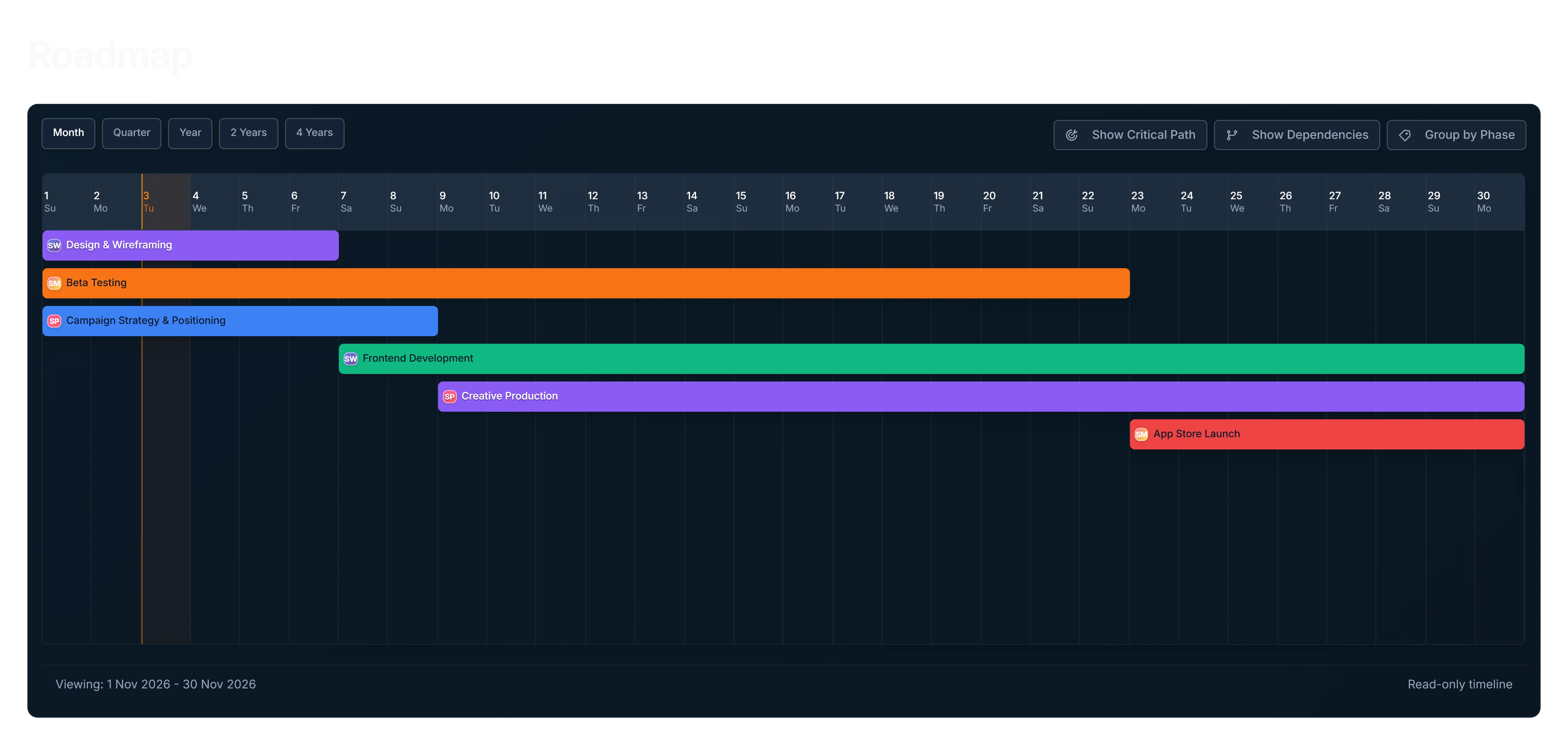
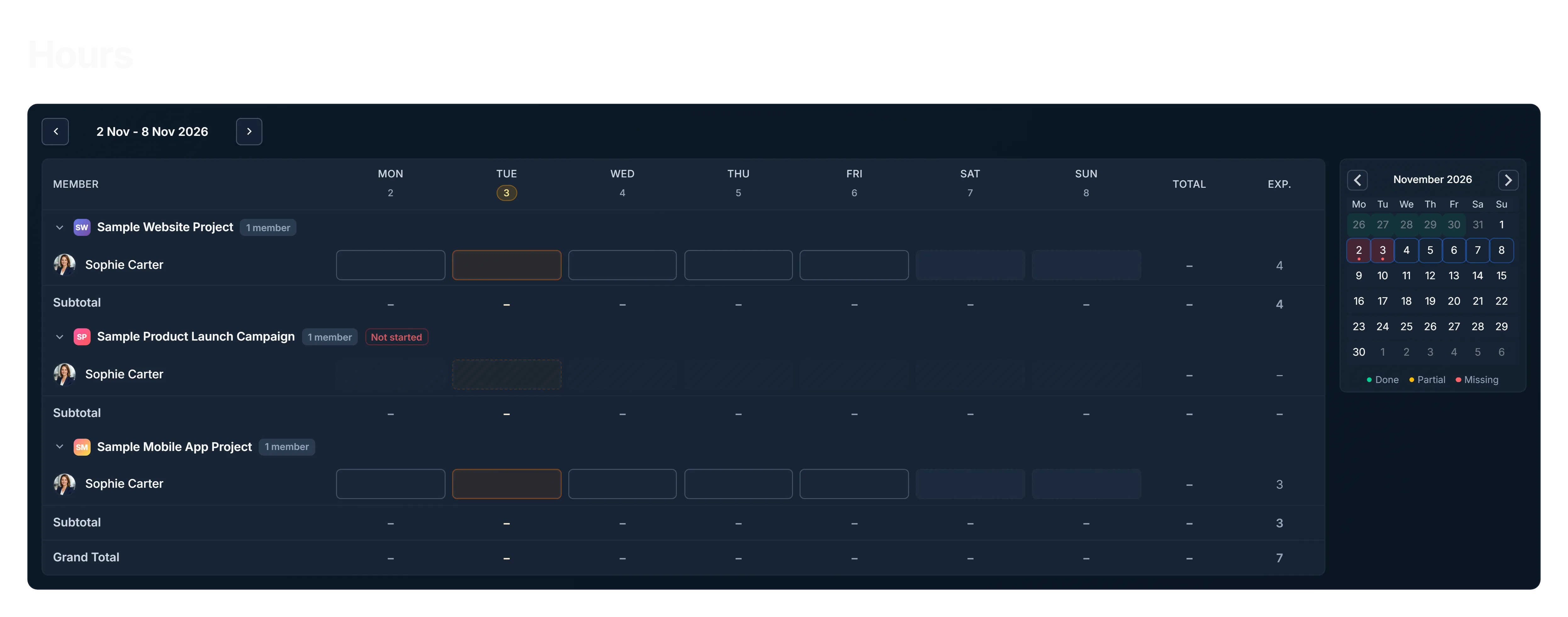
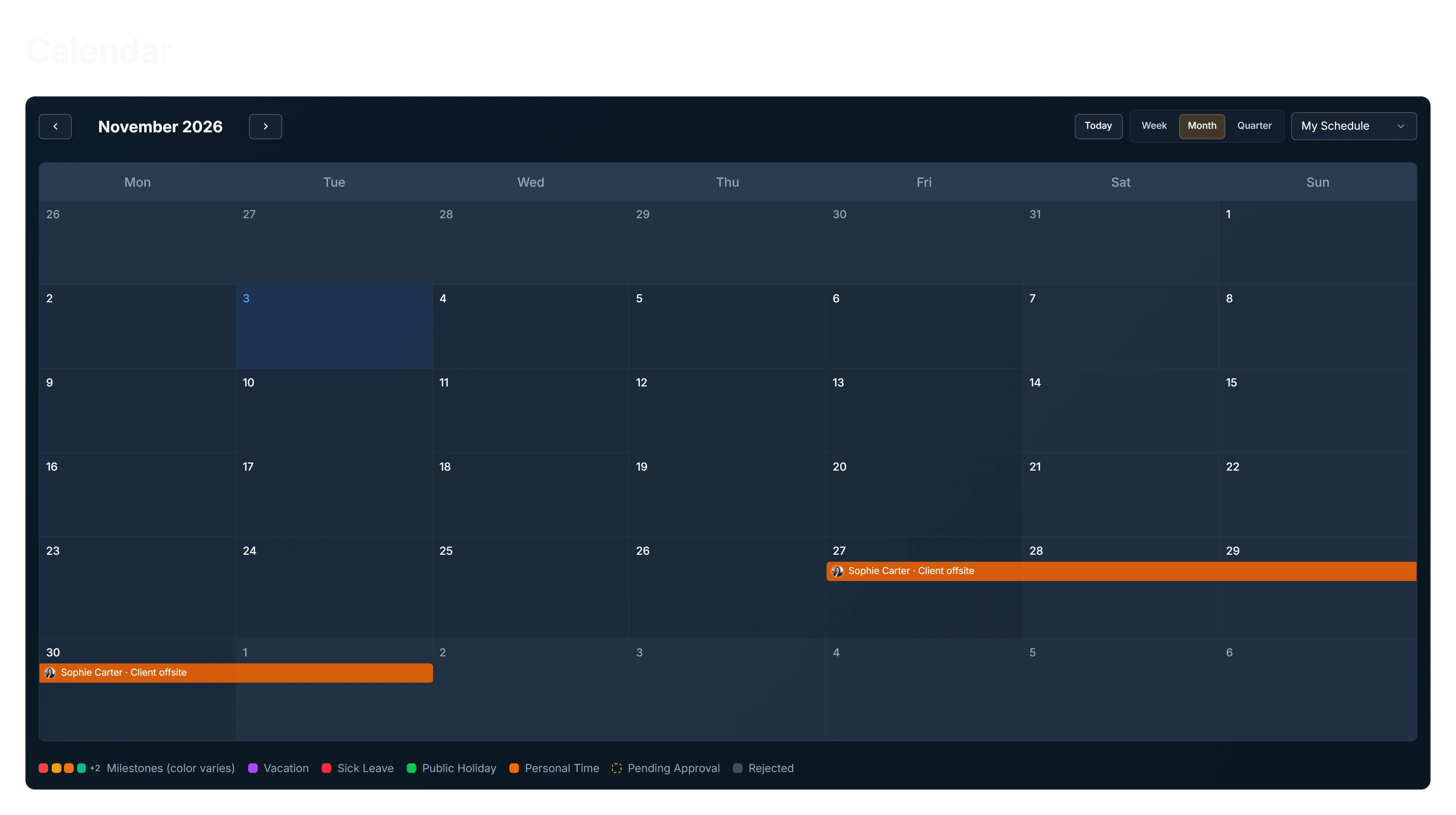
Team members can switch to a view that shows only what is relevant to them: the projects they are on, their upcoming deadlines, their calendar, and how many hours they have logged this week.
Switch between workspaces if you belong to more than one, without signing out.
Change history
Every project has an Activity panel showing who changed what and when, with date filters, word-level differences for text, and clear markers for moved dates and changed amounts. Select several projects to see their history together. Available on Pro and Enterprise.
Team members get their own focused view: their projects, their deadlines, their hours.
How it works
Invite someone from the Share panel. They receive an email and must accept before gaining access.
Set their access level to match what they actually need to do.
Team members can switch to their personal view at any time for a clutter-free look at their own work.
Give people access without giving up control
The right information for the right person. Shared where it helps, protected where it should be.